Translate and review
Choose target languages, preserve subtitle timing, review AI output and maintain terminology with a glossary.
Translate video subtitles with local AI, then review and export new copies.
Translate existing video subtitle tracks or adjacent SRT, ASS and WebVTT files with a local Ollama model. Review results, use a glossary and export new MKV or subtitle copies. Optional cloud engines require consent and may charge.
No separate .NET or WebView2 installation. FFmpeg/FFprobe are required for video processing; local translation also needs Ollama and a model, installed separately.
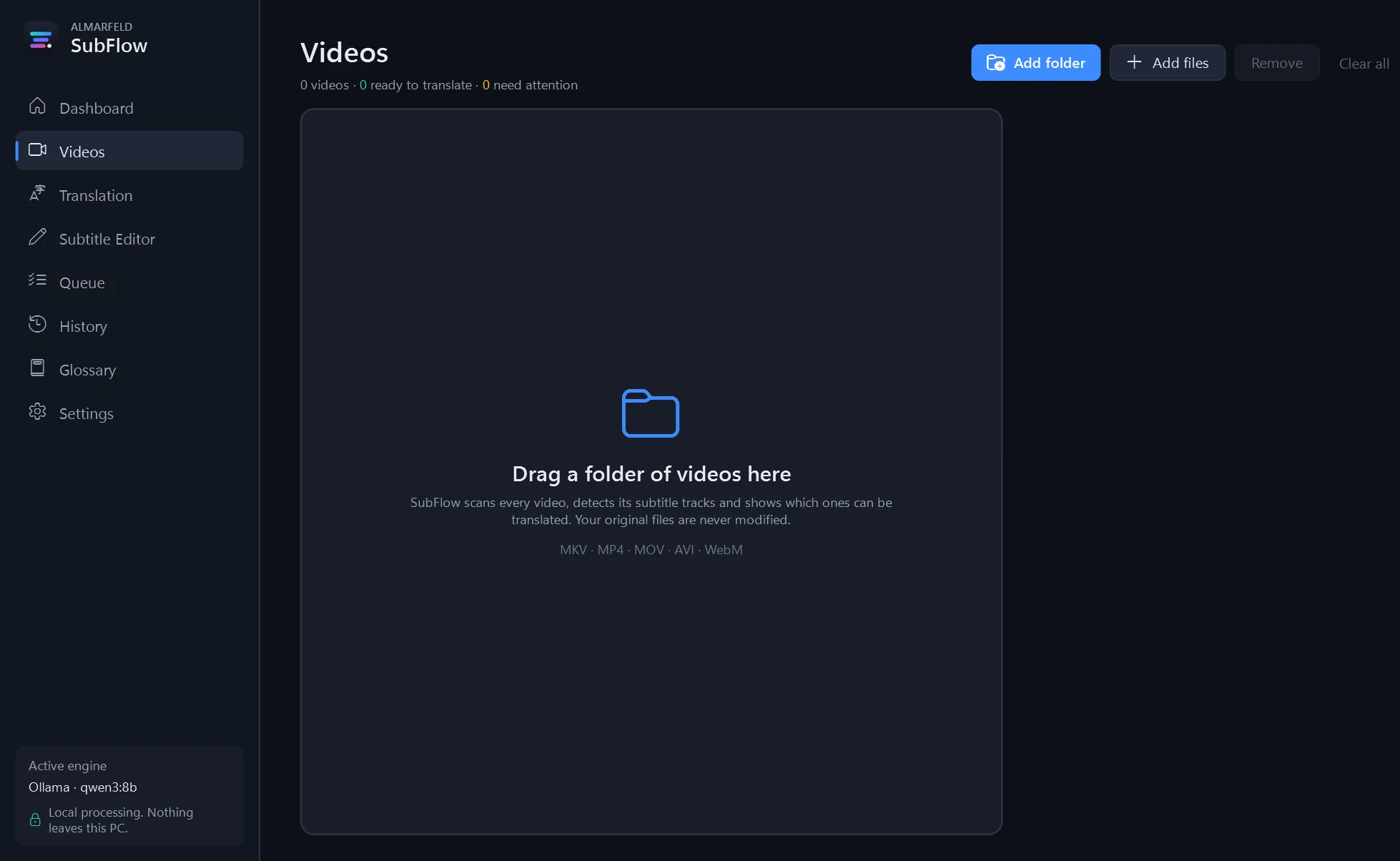
The installer installs for your Windows user and includes an uninstaller. Alternatively, extract the whole portable ZIP and run SubFlow.exe, keeping adjacent files and folders together.
A new installation starts with no videos, queued jobs, cache or history. No sample videos, subtitle files or AI models are bundled. Your existing profile is retained on reinstall.
Use the Dashboard to review missing tools. FFmpeg/FFprobe are required separately. For local translation, install Ollama and a suitable model. Optional MKVToolNix is preferred for MKV workflows. Dependency and model downloads require your confirmation; allow time, disk space and hardware capacity for the chosen model.
Windows binaries are not Authenticode signed and Windows may show a reputation or security warning. Download only from the official ALMARFELD/GitHub release links. Do not disable Windows security.
For a SHA-256 check, open PowerShell beside the downloaded file and use its corresponding command and expected hash:
Get-FileHash -Algorithm SHA256 .\ALMARFELD-SubFlow-1.2.0-setup-win-x64.exe4640ceef378820a024147c491f92361e029f6c85fc2ff8462c813a224dc8f963
Get-FileHash -Algorithm SHA256 .\ALMARFELD-SubFlow-1.2.0-win-x64.zip25628b3d443ef879bea7cae784cf62563e5313138b53df5d7e68011a457b3a78
Published checksum file ↗. A matching hash confirms artifact bytes; it is not a malware scan or an Authenticode signature. Do not run a file with a different hash.
Choose target languages, preserve subtitle timing, review AI output and maintain terminology with a glossary.
Import files or folders, pause, cancel or resume a queue, reuse a local translation cache and export history as CSV.
Copy media streams into a new MKV with translated tracks or export subtitle files. Skip existing files or create numbered copies; existing source-folder subtitles are preserved.
Read embedded text subtitles or matching adjacent files. Windows OCR can read supported PGS image subtitles when the appropriate language is installed.
SubFlow translates existing subtitle text or OCR-readable PGS subtitles. It does not transcribe video speech. For a small first check, use a disposable video that already contains a short subtitle track, select one target language and inspect the translated text and timing before processing a collection.
MKV · MP4 · MOV · AVI · WebM · SRT · ASS / SSA · WebVTT · PGS via Windows OCR
New MKV outputs use stream copy for video/audio, rather than re-encoding. SRT, ASS or WebVTT exports are available according to the subtitle source. OCR needs an appropriate installed Windows OCR language. No speech recognition or DRM bypass is provided.
Local translation sends subtitle text to the configured local server. Optional cloud translation sends text to the selected provider after consent and may require an account and payment. Video and audio are not uploaded; there is no telemetry.
AI translation and OCR can be inaccurate. Output validation checks stream metadata and subtitle counts, not every media packet or translation. Models, FFmpeg and sample videos are not bundled. Optional cloud engines have their own privacy and billing terms.
Video/audio originals are read rather than replaced. Keep backups and inspect the exported copies. Model quality and processing speed depend on the chosen model, source language and available hardware.
ALMARFELD software is free to use. If these tools save you time, you can support continued development.
Helpful bug reports and feedback also make a difference. Get in touch →